Documentation · Basic Movement Female

Setup & Guide

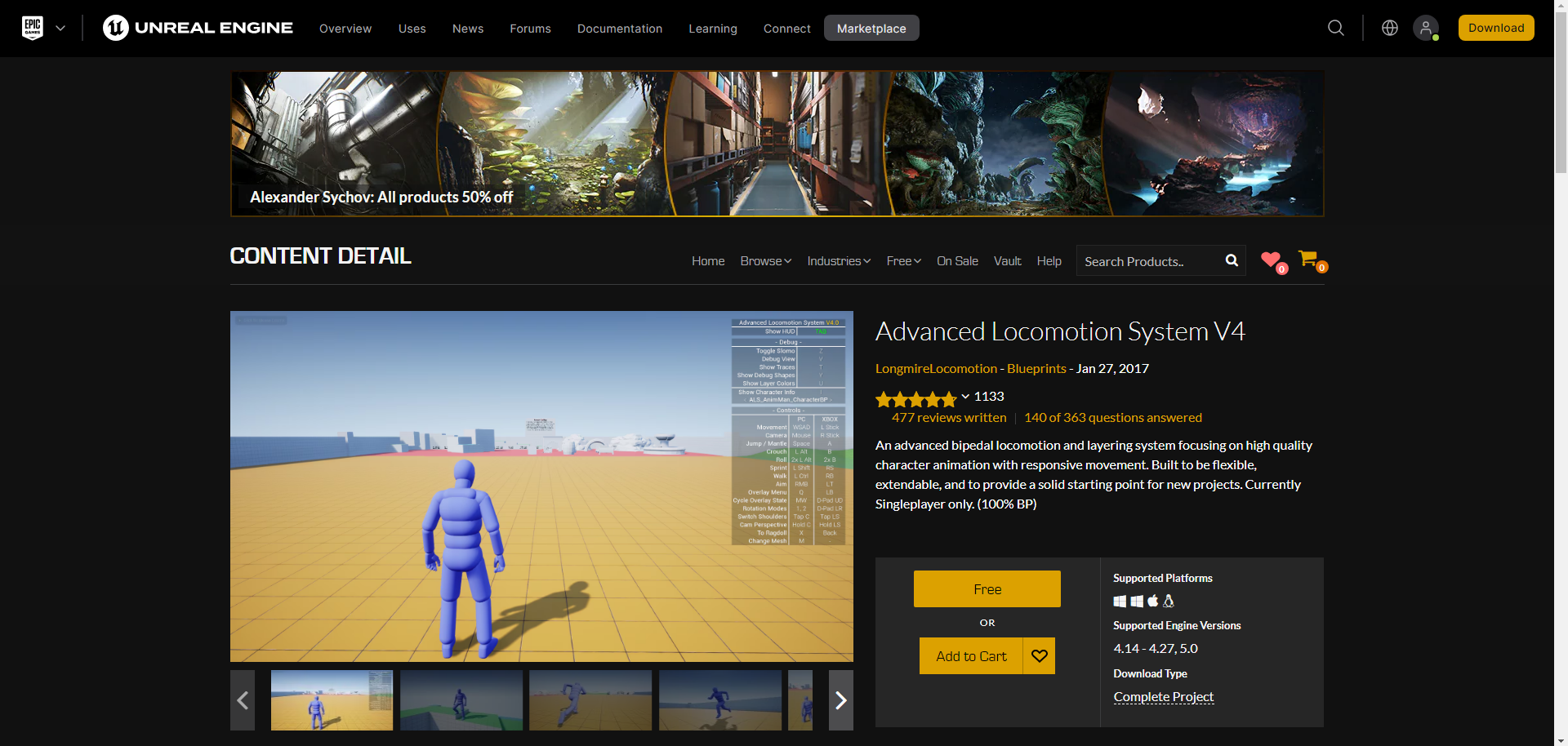
Everything you need to get the Basic Movement Female set running in Unreal Engine 5 — set up as a child blueprint on top of the Advanced Locomotion System V4 by LongmireLocomotion.

About the blueprint we provide
The blueprint and guides we provide are designed to show how our products will look in Unreal Engine. The blueprint is based on the Advanced Locomotion System V4 by LongmireLocomotion, available on the Unreal Engine Marketplace — we do not hold the rights or ownership of this blueprint. We provide the child blueprint for the animations: it contains the specific animation sequences and adjustments. To use this set effectively you must first obtain the main ALS blueprint with the fundamental character-movement logic and settings; our child blueprint enhances and customizes those base functionalities.
What you need to get
1 · Main ALS blueprint Advanced Locomotion System V4 → Free on the Unreal Marketplace (FAB). This is the base our set extends. 2 · Child ALS blueprint RPG_BasicMove_Blueprint → Our "RPG_BasicMove_BP" folder — Character, Animation & Retarget blueprints, plus the input keys.
Setup video
How to install ALS & setup RPG blueprint
{{ s.n }}
{{ s.title }}
{{ para }}
  • ▸{{ b }}
GameMode Override = “ALS_GameMode_SP”
Default Pawn Class = “BP_RPG_FemaleUE5_CH” or “BP_RPG_FemaleUE4_CH”
Enjoy the Experience!!!
{{ s.shot1El }} {{ s.shot2El }}
Tip & trick
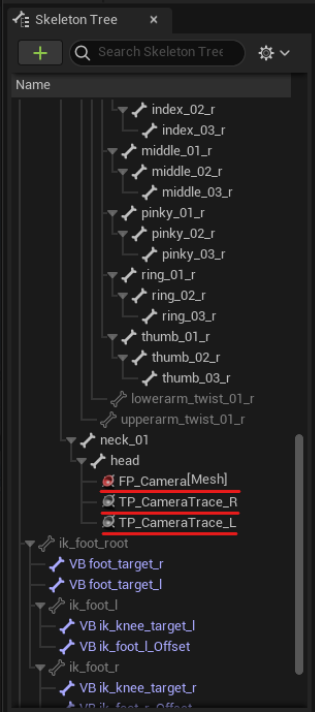
The camera jiggles while the character is falling near a platform or ledge. Add a camera socket on the character's head skeleton:
  • ▸FP_Camera
  • ▸TP_CameraTrace_R
  • ▸TP_CameraTrace_L
Product See Basic Movement Animation Detail →
Stuck on setup? Reach out by email — we're happy to help.